
KiteForge quad-line tutorials
A modern, chaptered series by John Barresi (KiteForge) covering quad-line fundamentals through tricks. Several chapters are freely available on YouTube, with the growing catalog hosted on KiteForge. We’re collaborating on English/French subtitles for select lessons to help more pilots learn faster.
What is KiteForge, and who is John Barresi?
Section titled "What is KiteForge, and who is John Barresi?"KiteForge is John Barresi’s design brand and online shop — home to his quad, dual-line and indoor kites (Djinn, Djinndoor, Djuice), pro handles and parts, plus a growing library of tutorials. The ethos is pragmatic, field-tested design built from decades of flying in varied conditions.
John Barresi is a US-based sport-kite flier, designer and instructor active since 1990; he owns/edits KiteLife, leads Team KiteLife, and founded KiteForge to develop gear and education for the community.
Visit KiteForge · About the brand · John’s bio
Why these tutorials
Section titled "Why these tutorials"- Clear pedagogy: camera shows both kite and pilot, with step-by-step cues you can copy on the field.
- Chaptered videos: jump directly to assembly, tuning, specific moves, etc.
- Transferable skills: demonstrated on Djinn/Djuice, but usable on any similar quad.
- Subtitles: English and French are being added over time.
Limitations & things to know
Section titled "Limitations & things to know"- Dense, chaptered videos. Plan to sit down, take notes, and replay segments — there’s a lot of signal packed into each chapter.
- Filmed on KiteForge gear. Examples use Djinn/Djuice and KiteForge parts, but almost all principles transfer to other Rev-style quads; just adapt bridle specifics, handle throw, and line length.
- Platform split: YouTube/Vimeo. Some lessons are only playable on KiteForge/Vimeo; depending on device or region, embeds may require opening the lesson page for best results.
- Practice required. Best results come from short field sessions between chapters — some skills won’t “click” on the first watch.
Core chapters
Section titled "Core chapters"Each card leads to the video’s page, where we’ve added what we take away from it — a selection, not a summary — and the full transcript split into chapters: click a time to jump to that moment in the video. The transcripts rely on French subtitles translated by Alban Kites.
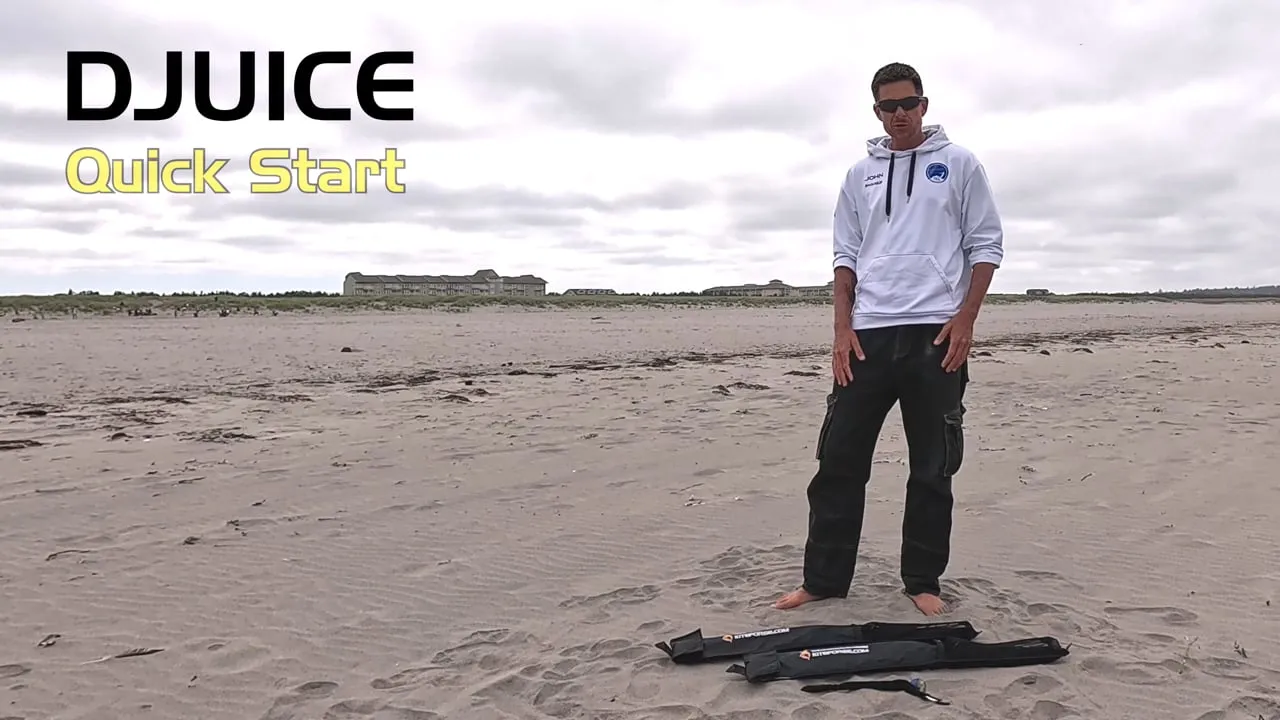
Djuice quick start
KiteForge's video “manual” for a first quad-line kite, in more than 25 chaptered minutes. In English, on the KiteForge website.
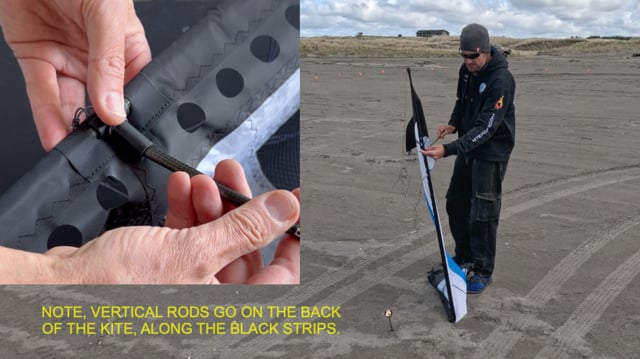
Assembly and disassembly
How to put a quad together and take it apart smoothly, with small habits that save time, protect your frame, and keep lines tidy — ideal when you’re new or packing up on sand or wet grass.
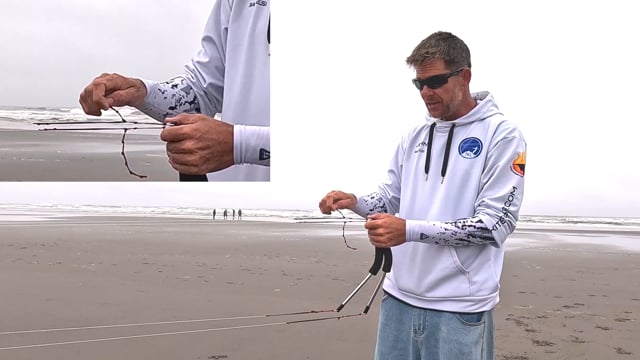
Tuning theory
Easy handle and bridle tweaks to make the kite feel “just right” — more neutral or more bite, faster or calmer — without chasing numbers. Find your sweet spot and lock it in.
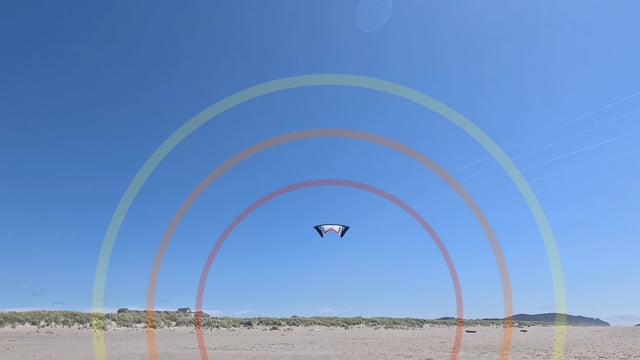
Wind window
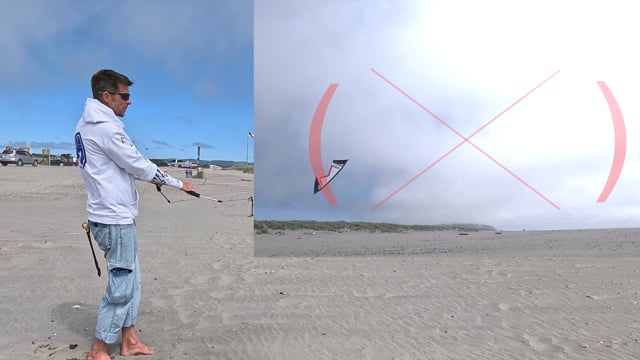
See where the kite can and should fly. Think of the sky as a grid so you can place the kite with confidence, feel the power zones, and keep lines and stops clean.
Flight and control
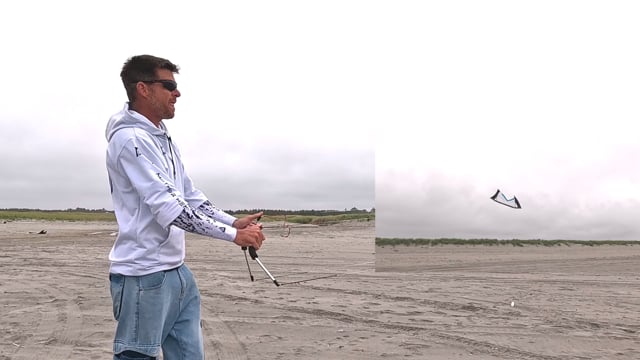
First steps that matter: launch, steer, keep tension, “throttle” the sail, and stop on command — learn how simple hand moves translate into what the kite does.
More chapters on KiteForge
Section titled "More chapters on KiteForge"These tutorials are KiteForge’s work, and the catalog lives on their site: each card takes you there. Our page for each one, with its transcript, stays reachable from search and from the series of the core chapters.
Flat relaunches
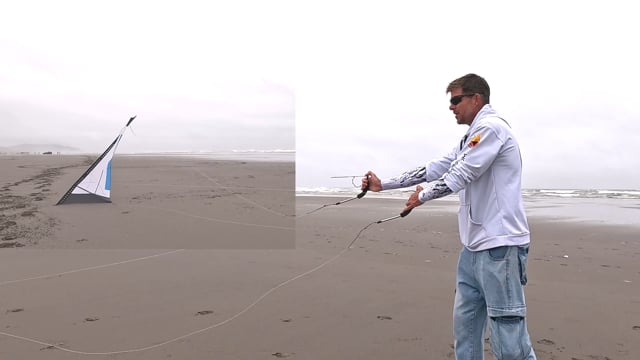
Relaunching a kite that has fallen flat: on its back, on its face, or inverted and lying backwards. You also see how much the result depends on the ground, sand, grass or hard surface.
Basic hovers
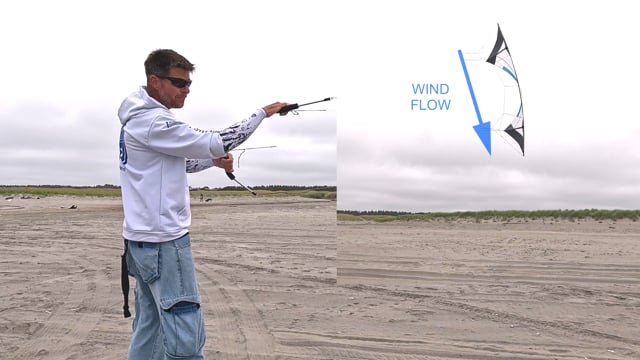
Upright, inverted, side and diagonal hovers, each with its own body position. You see why a hover is a constant balance between the top and bottom lines.
Figure 8 and 180s
The figure 8 and 180s, high and low, with the image of a rectangle to structure the path. You see the low 180 used in team flying and how to practise it at three altitudes.

Side slides
Side slides upright and inverted, then up and down from a side hover. You see how to keep a little brake so the kite does not turn.
Reverse flight
Flying backward by starting gently, then building pressure on the edge of the hand. The video shows a square flown in reverse and how curves come by themselves.
Axel
Three axel entries, each followed by a slow-motion replay: lean and pop, static axel from an inverted hover, and diving axel. You also see how the kite and its tuning help the flat spin.
Clam roll
The clam roll, a flic flac that stays down on the ground before snapping back up. The video details the wrist pop, the slack to give and the two most common mistakes.
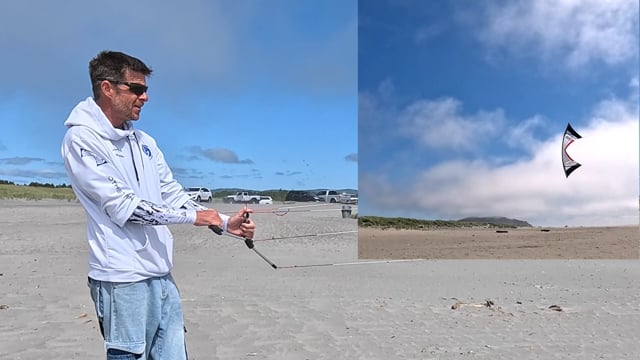
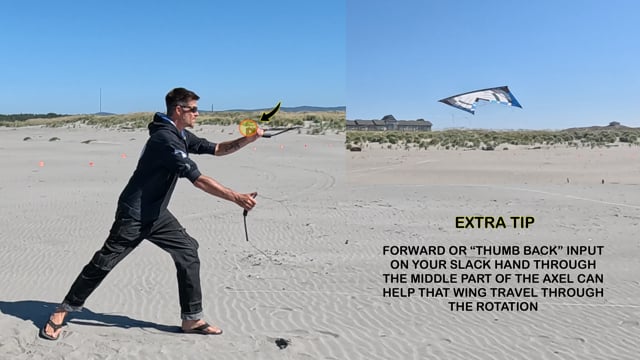
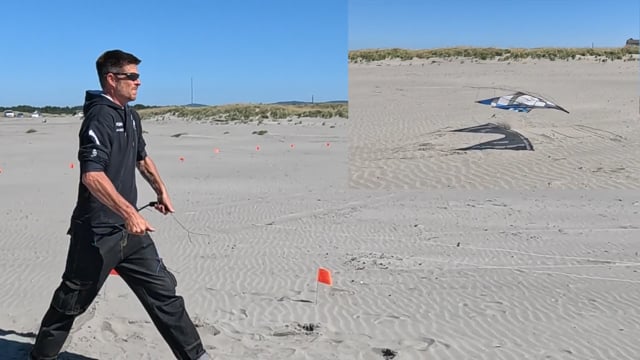
Explore the full tutorial index on KiteForge for quad, indoor dual-line and support videos.
Choose how to continue
Section titled "Choose how to continue"The KiteLife quad-line tutorials present an earlier John Barresi series, with other exercises and demonstrations for comparing how his approach evolved.
Once individual control feels comfortable, start team flying to apply positioning, stops, and trajectories with other pilots.
Last updated: — added chapter transcripts and key takeaways for each video
Did this page help you?
Saving…
We couldn’t save this feedback.
Thanks, your feedback helps us improve this page.
Thanks, your feedback helps us improve this page.